Tasks
Create → Tasks is where writers and designers do their work. The number next to it in the menu is your open tasks.
Two kinds of task
| Task | Who | Done when |
|---|---|---|
| Content task | The planner's writer | The caption and design brief are sent to design |
| Design task | A designer | The design is approved |
Columns
Tasks move through these columns. Use the List view (default) or the Board view, and the filter at the top right to see one person's tasks.
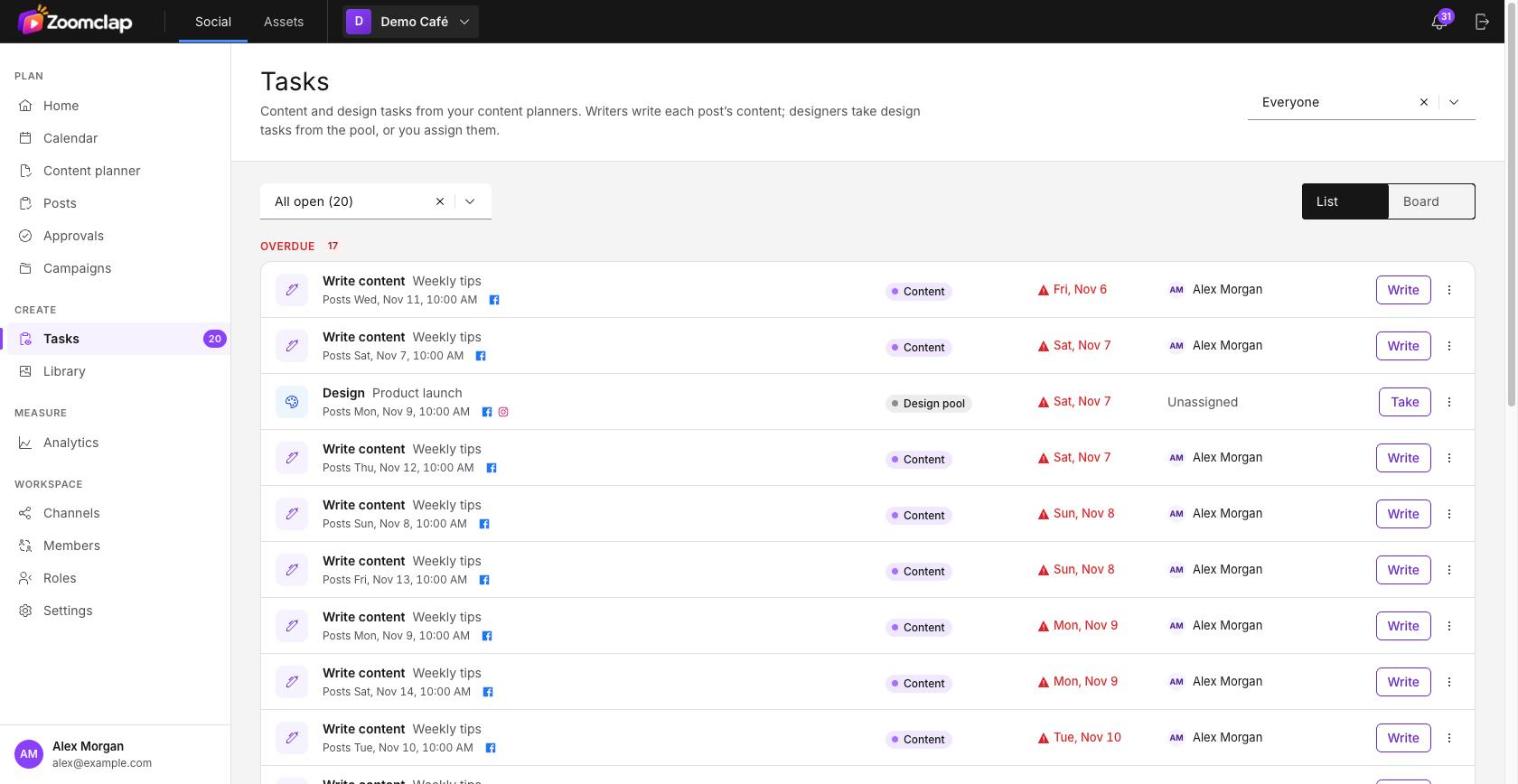
| Column | What's in it | Actions |
|---|---|---|
| Content | Posts waiting for a caption and design brief | Write |
| Design pool | Written, no designer yet | Take |
| Designing | Taken by or assigned to a designer | Open post, Send for review |
| In review | Waiting for the reviewer | Open |
| Changes requested | Sent back with the reviewer's note | Open post, Send for review |
| Done | Approved in the last 14 days | Open |
Writing content
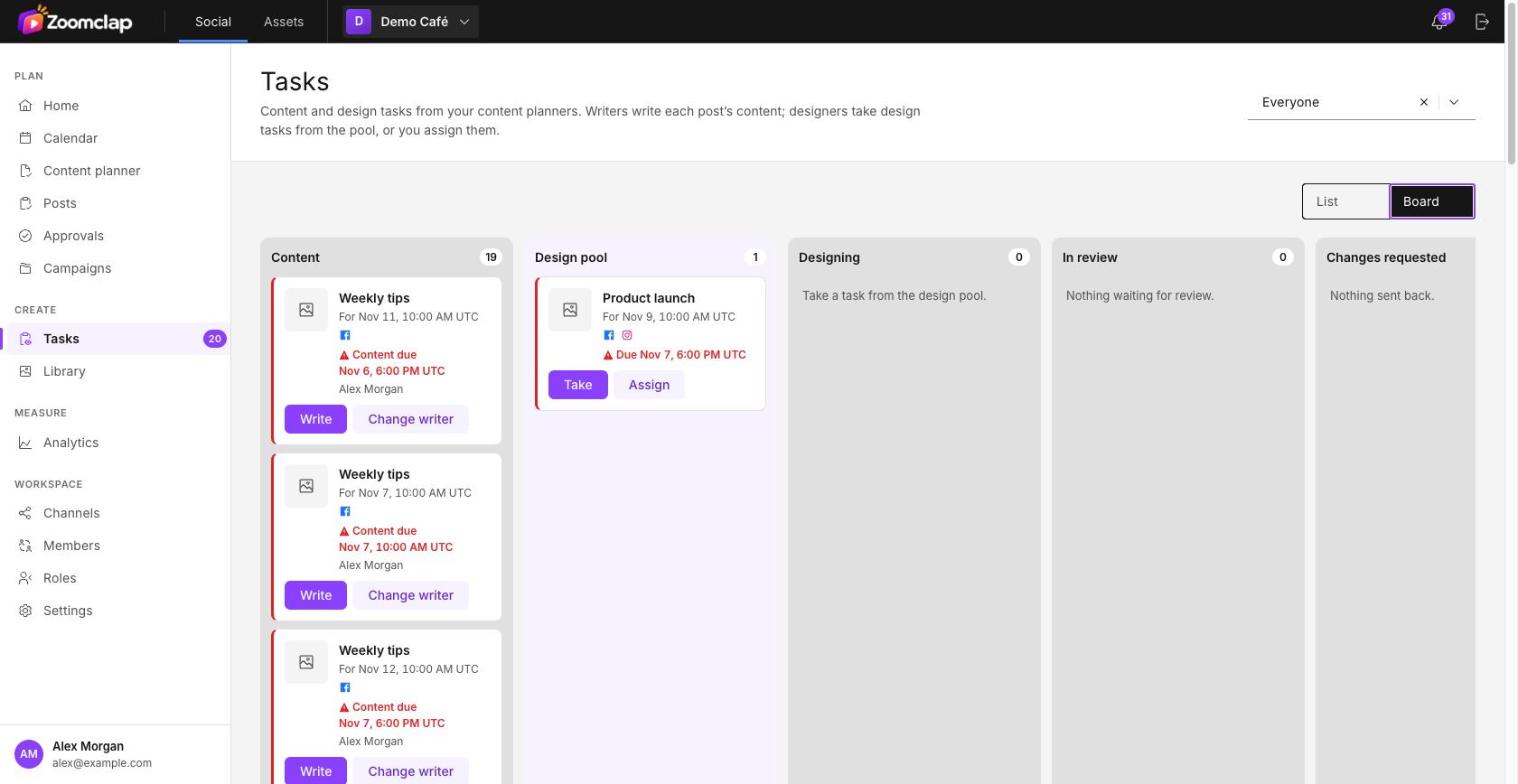
Choose Write on a content task. You see the theme's idea and links, then fill in:
- Caption
- Design brief: what the designer should make
- Format: designer decides, single image, carousel or video
- Reference images (optional): choose Add references
Choose Send to design, or Save to finish later. If the planner uses a ready design, the button is Send for review instead.
Designing
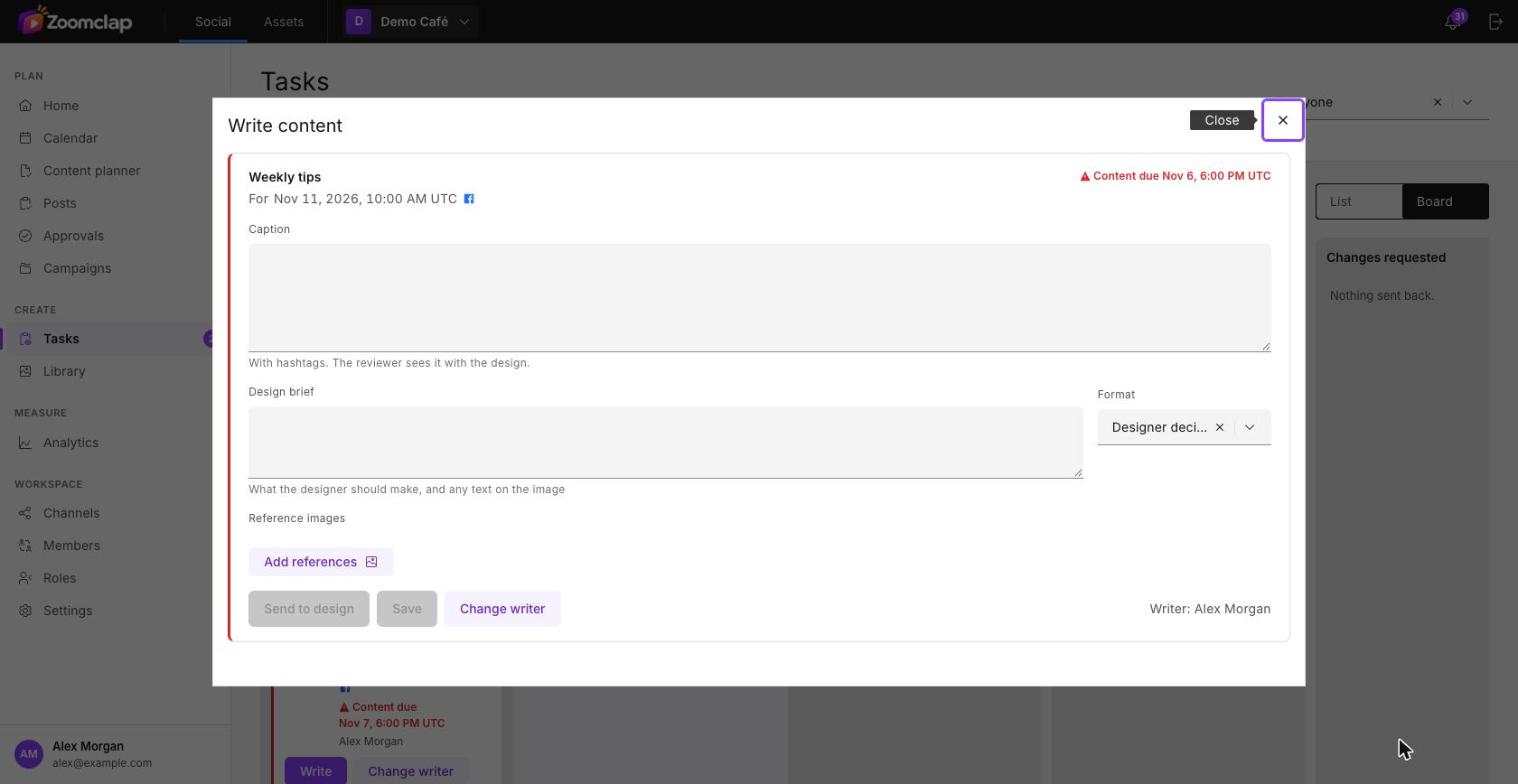
- Take a task from the pool, or work on one assigned to you.
- Choose Open post, add the images and check the crop for each channel.
- Choose Send for review. A post needs at least one image or video.
Designers see their own tasks and the pool. Tasks assigned to another designer are hidden from them. Managers see every task and can filter by designer.
Due dates
- Amber: due within 24 hours.
- Red: overdue.
Each card shows its round, so Round 2 means the design has been sent back once.